Monthly bookkeeping that's done before you think to ask
Every month, we categorize your transactions, reconcile your bank and credit card accounts, and send you a balance sheet and profit and loss you can read without a bookkeeper beside you. Your books stay current all year, so tax season starts from clean numbers instead of a shoebox.
From $295/month
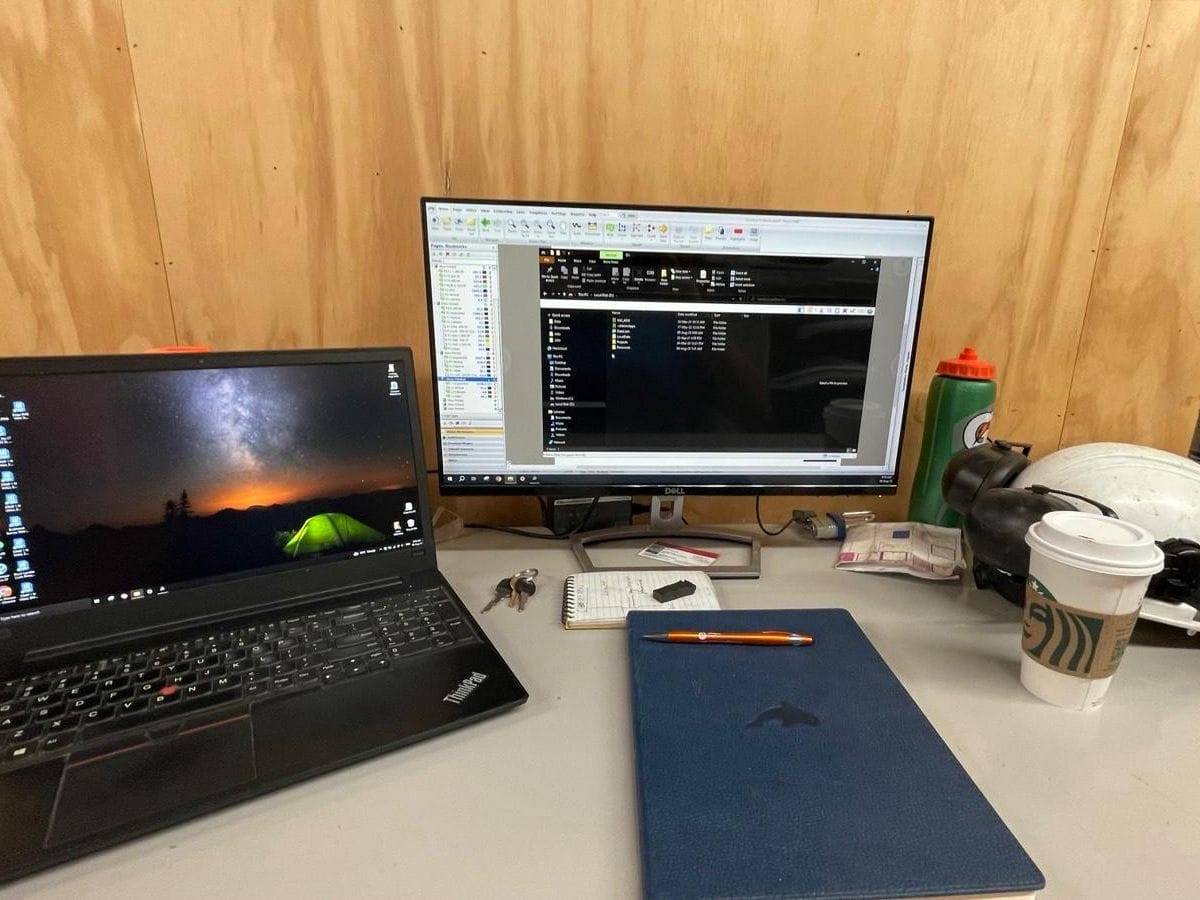
What monthly bookkeeping covers
Bookkeeping is the record of everything money does in your business: what came in, what went out, what you're owed, and what you owe. Done monthly, it sorts your bank and card activity into accounts that match how you run the business, so the numbers you use to price a job, plan a hire, or talk to a lender are last month's, not last year's.
Everything else draws on it. GST and PST returns, payroll remittances, and your year-end corporate return all come from the same ledger. When that ledger is reconciled every month, those filings are routine, and nobody has to rebuild the year from bank statements.
What's included
- Transactions categorized against a chart of accounts that fits your business
- Bank, credit card, and loan accounts reconciled every month
- Monthly balance sheet and profit and loss
- Accounts receivable and payable kept current
- GST and PST tracked as you go, ready for filing
- Tallyforth's own bookkeeping software, included in your package
- Year-end preparation for handoff to your CPA, for the months we keep
How it works
Records come in
Bank and card activity, receipts, and invoices arrive digitally through the month.
Categorized and reconciled
Every transaction coded to the right account, and every account reconciled to its statement.
We ask when it's unclear
If we can't tell what a transaction is, we ask you instead of parking it somewhere convenient.
Statements delivered
A balance sheet and profit and loss for the month, built from reconciled accounts.
Who this is for
- You're spending evenings or weekends on bookkeeping instead of the business
- Your books are being kept, but nobody reconciles them against statements
- You want monthly statements you can make decisions from
- Your CPA has asked for cleaner records at year end
The details
How pricing works
Four packages, each a fixed price every month: Essential $295 (up to 50 transactions and 2 accounts), Business $495 (up to 150 transactions and 4 accounts), Business Plus $795 (up to 300 transactions and 6 accounts), Operations $1,195 (up to 600 transactions and 8 accounts).
Past your package, it's $50 for each 25 more transactions and $40 for each more account. We move you to a bigger package when that costs less, so the price climbs in small steps and never jumps.
Tallyforth's own software is included. Keeping your books in QuickBooks Online or Xero adds $100 a month for our work in your file, and you pay that subscription yourself. Payroll, invoices, and bills are added by what you use, and GST and PST filing by how often you file. Bills are free if you pay them yourself, $5 a bill if we track them, or paid through Plooto from $100 a month.
Onboarding is free when your books are up to date and closed through last month. If they aren't, clean-up is priced from the work. Emails and calls are never billed, and packages have a 3-month minimum commitment.
Why monthly beats catching up in spring
Books reconciled every month catch duplicate charges, missed deposits, and miscategorized expenses while they're still easy to trace. Your GST/PST returns and year-end preparation are then built on numbers that have already been checked twelve times.
Common questions
What counts as a transaction?
Each deposit, payment, transfer, or card charge that appears on a bank or credit card statement. Use your best guess in the estimate. The package we pick has room above your typical month, and we confirm the number from three months of statements before you sign.
Do I have to switch bookkeeping software?
No. If you're on QuickBooks Online or Xero and want to stay, we work in your file for $100 a month, and the subscription stays in your name. Most clients move to Tallyforth's own software instead, which is included in every package and removes that $100. If you use anything else, including spreadsheets, desktop software, or paper records, we set you up on Tallyforth. Onboarding is free when your books are up to date.
Is accounting software included?
Yes, if your books live in Tallyforth's own software, which is included in every monthly package. If you'd rather keep QuickBooks Online or Xero, we work in it for $100 a month, and you pay that subscription yourself on top. New clients are set up on Tallyforth.
Do you chase unpaid invoices?
No. We keep your receivables up to date so you always know who owes you, but collecting payment stays between you and your customers. If you'd like, we can create and send your invoices from the billable hours or items you give us.
How do bill payments work?
You forward bills to a Tallyforth email address. Bills you pay yourself cost nothing: we attach each one to its payment. We can track them as they arrive for $5 a bill. Or we schedule the payments through Plooto for your approval: $100 a month, $0.75 a payment and $5 a bill, with Plooto's own subscription and payment fees inside our price. Nothing is paid until you approve it. Paying a bill by credit card adds Plooto's card fee, 2.9%, passed on as charged.
Is there a minimum commitment?
Monthly plans have a 3-month minimum commitment.
What reports will I get each month?
A balance sheet and a profit and loss, built from reconciled accounts, and a cash flow statement from the Business package up. Because receivables and payables are kept current, you'll also be able to see who owes you and what's coming due.
How do I send receipts and documents?
Photograph them into the receipts inbox in your Tallyforth portal, from your phone. Receipt apps like Dext, email folders and scanned paper work too. If you have no system yet, we set one up during onboarding.
Further reading
- GST and PST filing deadlines for BC businessesSales tax
- T2 corporate tax deadlines: a year-end timeline for BC corporationsCorporate tax
- QuickBooks Online vs. Xero for BC small businessesSoftware
- Export your books from QuickBooks OnlineGetting started
- Export your books from QuickBooks DesktopGetting started
- Export your books from XeroGetting started
- Export your books from Sage 50Getting started
- Export your books from WaveGetting started
- Bring your lists over from a spreadsheetGetting started
See your estimate in a few minutes.
Answer a few questions and see your monthly price on the spot, before you give a name or an email.
Get an estimate